 EUR
EUR £ GBP
£ GBP $ USD
$ USDSky RC GNSS Set up information
Updated by Rich
I am ready to set up the Sky RC speed tester and am hoping it will be easier than its manual counterpart.
This should be fairly quick to get ready to do speed runs.
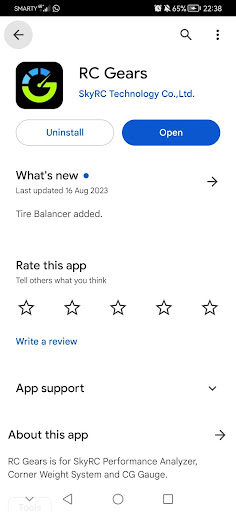
This is the first step - download the app from the app store on your phone (available on both Android and IPhone).
The device needs to be charged before the first use - I found it had about 20% charge from the factory.
Once charged for an hour or two I connected the app on my phone to it via Bluetooth. Click on the top link on the main menu for speed testing.
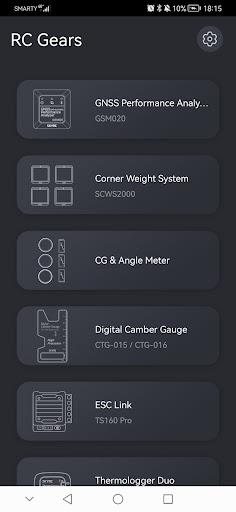
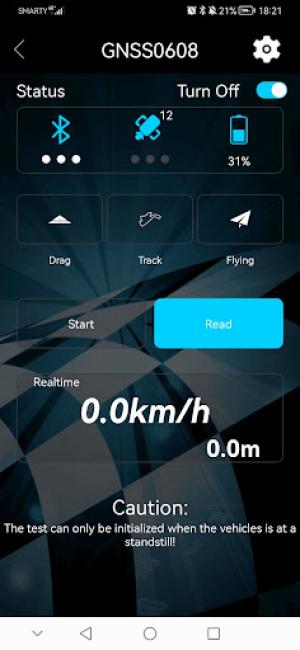
Once you are in the app, secure the speed tester device itself in the car (make sure it is firmly secured). You will now have this screen on your phone.
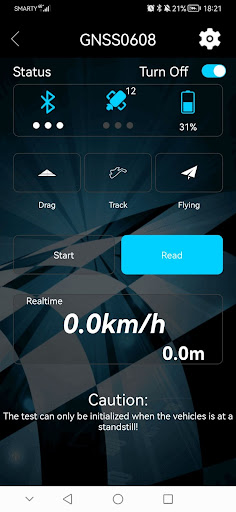
The next step is to connect to your phone - firstly you need a satellite signal. The device itself has no on/off button (it automatically turns on when you are linking to your phone). I found this device connected very quickly compared to the manual version.
Once connected you are ready to go - to log your speed on the passes, follow the next steps:
- Press ‘Track’ and the button will turn blue when pressed.
- Press ‘Start’ and the device begins logging live real time speed (the button will now change to ‘Stop’).
- Put your phone down and do your speed passes (try not to crash!).
- Bring the car in once done and press ‘Stop’. The device finishes recording.
- Press ‘Read’ to load up the car’s maximum achieved speed during the test.
 SKY RC GNSS Performance Analyzer / Speed Meter
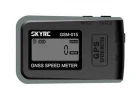 Sky GNSS Speed Meter
 Fastrax 200mm x 2.5mm Nylon Cable Ties - Black (10)
 Spider Grip Red Extra Strong Tyre Additive - 125ml
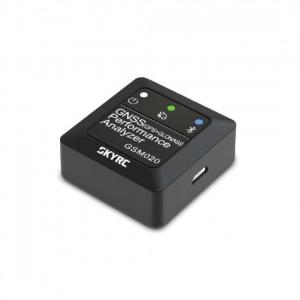 Sky RC GNSS unboxing
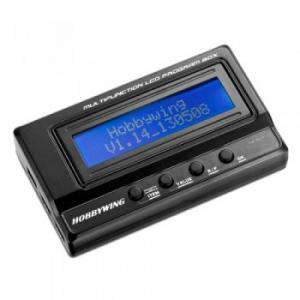 Hobbywing OTA Programmer information
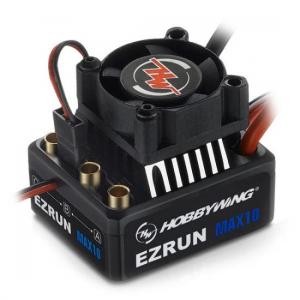 How to calibrate a Hobbywing ESC.
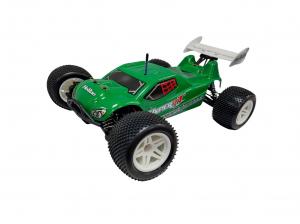 Hobao Transformer Truggy first run and top speed test
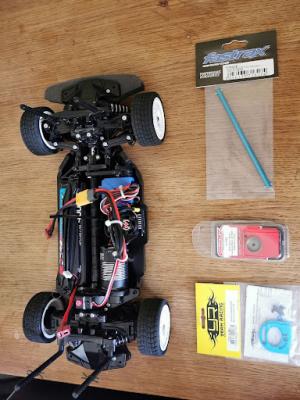 Tamiya TT-02 Gearing up and 3s lipo run
 Pro4 SC10 2s vs 3s lipo speed runs
 Is it a good idea to convert a Tamiya Wild one to brushless?
 Rich Speed tests his Cars
 TT-02B Test and Review
 TT-02 Brushed Speed Run Test