 GBP
GBPNinja 250 Unboxing
Updated by Rich
Ok guys so my little boy has been asking me for a helicopter for Christmas and after looking at the options I decided to go for this - the mighty Ninja 250.
This small helicopter comes with a 2.4ghz radio set and is RTR out of the box. Literally nothing is needed apart from some AA batteries for the transmitter.
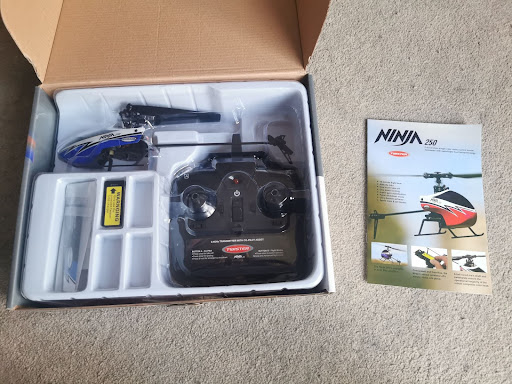
Here is what you get in the box:
Before we continue with this unboxing - I have never flown before at all. So I am approaching this from a total beginners point of view.
From what I can see so far though, this thing is ideal for a total flight newbie.
First thing to do is to READ THE MANUAL!
I am fairly certain with a bit of practice that I can fly this thing but we will see how I get on. I will need to learn it myself before letting my son help with the flying!
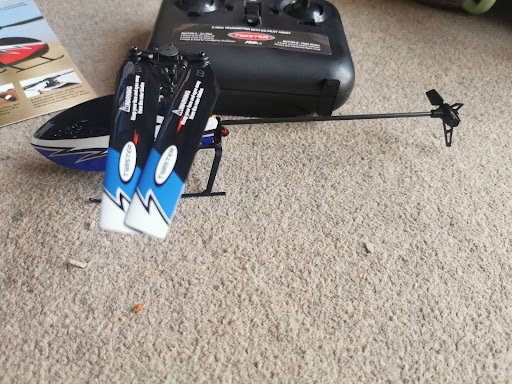
The blades fold in on themselves and out again very easily and there is no setup required of any kind. It is quite literally ready to fly. There are also some spare blades included in the box for when I inevitably crash.
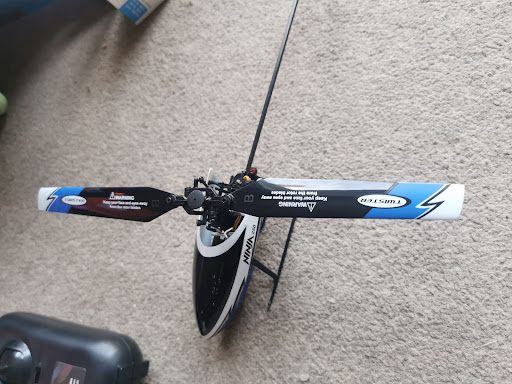
Ready to go!
It comes with a small Lipo battery pictured and a USB charger. It has a 0.5 amp charge rate and the battery is 300mah so I am expecting a charge time of around 45 minutes. The expected flight time is 10-15 minutes but I will confirm how accurate all those numbers actually are.
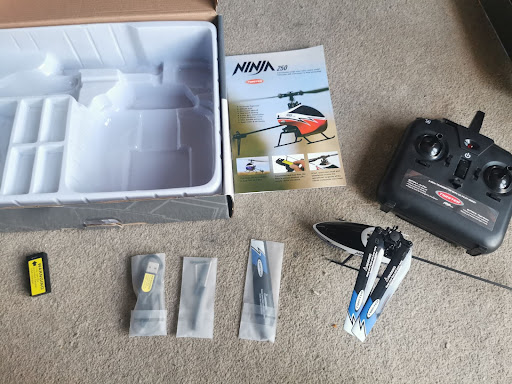
One thing that is very good about this helicopter is that it has an ‘auto take off’ button on the top of the transmitter which should hopefully make getting it in the air a bit easier. Just for us beginners, here is a brief rundown on of the controls:
Left stick: up/down = heli goes up or down.
left/right = heli tilts sideways and goes left or right.
Right stick: up/down = heli tilts forwards or backwards and moves forward/backward.
left/right = heli tail rotor activates spinning heli around on the spot.
Left top button = press once for auto take off - heli takes off and hovers still at approx 1.5 metres. Press and hold for auto shutdown and heli will slowly land again.
Right top button = expert or beginner mode. Press once for beginner and hear one beep, then press again for advanced mode and hear two beeps.
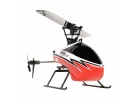 Twister Ninja 250 Heli
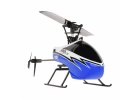 Twister Ninja 250 Heli - Blue
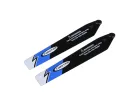 Twister Ninja 250 Main Blade Set (Blue)
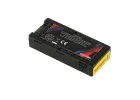 Twister LiPo 1S 350mAh Battery (for Ninja 250)
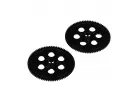 Twister Main Gear Set (for Ninja 250) (2 pcs)
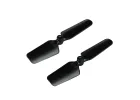 Twister Tail Blade (for Ninja 250) (2 pcs)
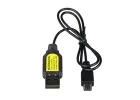 Twister USB Charger (for Ninja 250)
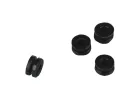 Twister Canopy Grommets (for Ninja 250) (4 pcs)
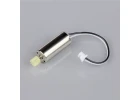 Twister Main Motor with Pinion (for Ninja 250)
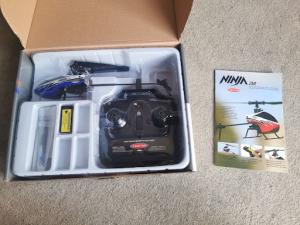 Twister Ninja 250 unboxing
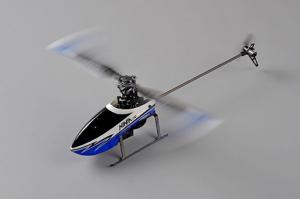 Ninja 250 heli Review by Rich
 Tamiya Motor information
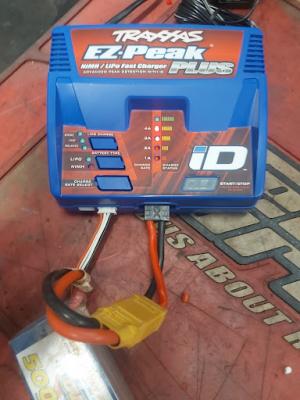 Using a Traxxas charger in advanced mode
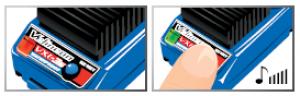 Traxxas ESC Lipo mode setup
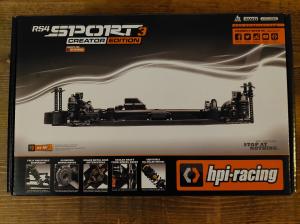 HPI RS4 creators edition unboxing
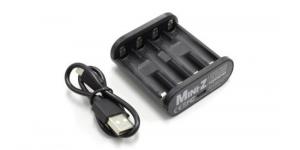 Kyosho Speed House USB Charger Information
 Kyosho Mini-Z AWD unboxing
 How to calibrate a Hobbywing ESC.
 Sky RC GNSS unboxing